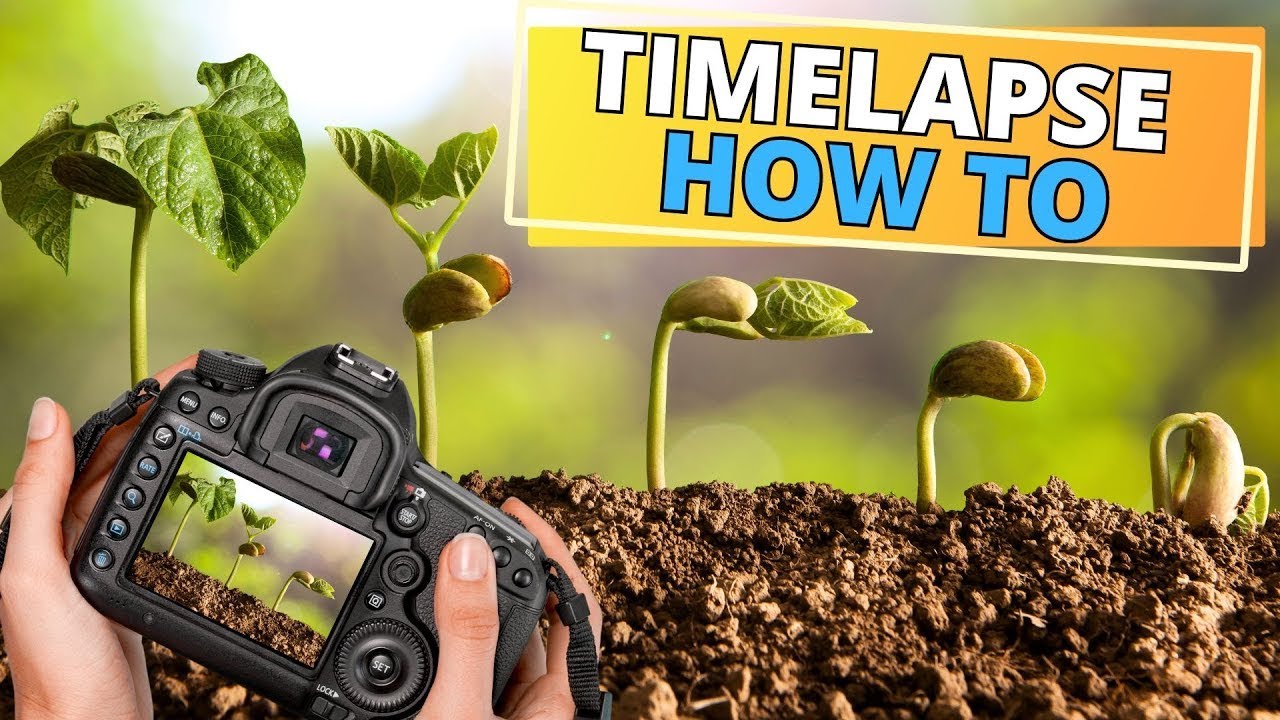
I’ve spent years filming plants grow — some timelapses run for over 2,900 days — and the single question I get asked most is: what gear do you actually use? This is the complete plant timelapse setup behind my channel: the camera, lenses, lights, and software I rely on for every grow, from a single seed to a one-year bonsai. No fluff, just the exact equipment that has earned its place in my setup.
What you need for a plant timelapse (the short version)
A great plant timelapse comes down to five things: a camera you can trigger automatically, a sharp macro lens, rock-steady support, consistent lighting, and editing software to turn thousands of frames into a few satisfying minutes. Get those right and the plant does the rest. Here’s each piece, and exactly what I use.
Camera: Nikon D7500
The heart of any timelapse setup is a camera you can leave running for weeks. I shoot on the Nikon D7500, a DSLR that captures sharp, high-resolution stills and 4K video. What matters for timelapse isn’t just image quality — it’s reliability over long sessions and full manual control, so exposure and focus stay locked frame after frame, day after day.
Macro lenses: getting close to the detail
Plants reveal their best moments up close — a seed cracking open, a leaf unfurling — so a good macro lens does most of the visual work. I use two, depending on the subject:
- The Nikon AF-S DX Micro-Nikkor 40mm — compact, sharp, and ideal for detailed close-ups of smaller subjects and tight setups.
- The Sigma 105mm F2.8 EX Macro — more working distance and beautiful detail when I want to sit further back from the plant.
Keeping the camera powered: DC adapter
Batteries die — and a dead battery halfway through a multi-week grow ruins the whole sequence. A camera DC adapter keeps the camera running continuously from mains power, so it never stops mid-shoot. For long timelapses this isn’t optional; it’s the difference between a finished video and a gap in your footage.
Intervalometer: the trigger that makes it a timelapse
An intervalometer tells the camera to take a shot at fixed intervals — every few minutes, every hour, whatever the grow needs. It’s the single piece that turns a camera into a timelapse machine. I use the Neewer intervalometer: simple, reliable, and it just keeps firing on schedule for as long as the project runs.
Tripod: nothing moves for months
Consistency is everything in timelapse — if the camera shifts even slightly between frames, the final video jumps. A stable tripod that holds its exact position for weeks is essential. I use the Manfrotto Compact Action Tripod, which is steady, easy to position precisely, and stays put once it’s set.
Black background: clean, distraction-free shots
That deep black backdrop in my timelapses isn’t post-processing — it’s a physical black background behind the plant. It removes every distraction so all the attention lands on the growth itself, and it makes the colours of leaves and fruit pop. It’s one of the cheapest upgrades with the biggest visual payoff.
Grow lights: consistent light, day and night
Natural light changes constantly — clouds, sunrise, shorter winter days — and that flicker shows up badly in a timelapse. Controlled LED grow lights give the plant consistent light around the clock, which keeps both the growth and the exposure even. I run two:
- A Roleadro LED grow light — energy-efficient and reliable for indoor setups.
- A second LED grow light to fill in shadows and keep the whole subject evenly lit.
Editing software: DaVinci Resolve
Thousands of stills have to become a smooth few-minute video, and the editor matters. I use DaVinci Resolve — the free version is genuinely powerful, and the paid Studio version adds even more. Why it works so well for timelapse:
- Full editing suite — from simple cuts to professional colour grading, all in one place.
- Beginner-friendly, pro-capable — easy to learn, but deep enough to grow into.
- High-quality export — any format and resolution you need for YouTube or anywhere else.
- Smooth workflow — integrates cleanly with other tools and plugins.
Music: Epidemic Sound
The right track turns a nice timelapse into one people watch to the end — and using properly licensed music keeps your videos safe from copyright claims. I get mine from Epidemic Sound:
- Huge library — tracks for almost any mood or genre.
- Simple licensing — one subscription clears every track you use, no copyright headaches.
- Professional quality — the music sounds as good as the footage looks.
Frequently asked questions
Any camera that supports an intervalometer and full manual mode will work. I use a Nikon D7500 DSLR for its sharpness and reliability over long sessions, but the key features are manual exposure control and the ability to run continuously on mains power.
It depends on how fast the plant grows. For a months-long grow I shoot every few minutes; faster events like germination or a flower opening need a shorter interval. The intervalometer lets you set whatever rhythm the subject needs.
For indoor timelapses, yes. Natural light changes constantly and causes flicker between frames. Two LED grow lights give consistent illumination around the clock, which keeps both the plant’s growth and the exposure even.
DaVinci Resolve. The free version is powerful enough for full timelapse editing and colour grading, and it exports in any resolution you need for YouTube.
Putting it all together
A camera alone won’t make a stunning plant timelapse. It’s the combination — a reliable camera, sharp macro glass, steady support, consistent lighting, and good editing and music — that produces footage people actually watch to the end. Once this setup is dialled in, the hardest part is just patience while the plant does its thing.
Want to see what this gear produces? Try one of my full grow guides next — like growing a pomegranate bonsai from seed or my white mango from seed experiment — both filmed with exactly this setup.
Some links above are affiliate links. If you buy through them, I earn a small commission at no extra cost to you — it helps support the channel and these guides.